

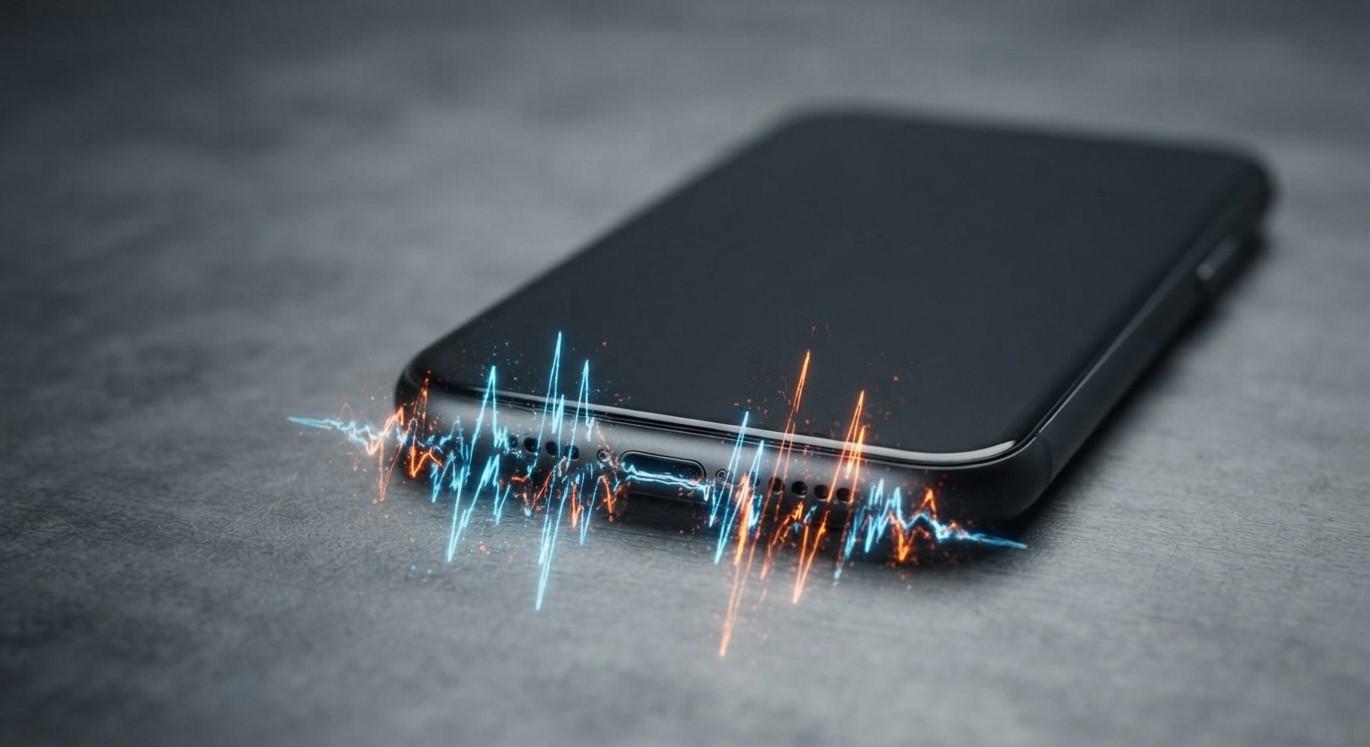
What Causes a Smartphone's Speaker to Produce Crackling or Distorted Sound?

Table of Contents
-
Introduction
-
Common Causes of Crackling or Distorted Speaker Sound
-
How to Fix Smartphone Speaker Problems
-
When to Seek Professional Repair
-
Conclusion
-
Frequently Asked Questions
-
Call to Action
Introduction
A smartphone speaker plays an important role in phone calls, music, videos, notifications, and online meetings. When the sound becomes crackling, muffled, or distorted, everyday phone use can become frustrating. These problems can affect both iPhone and Android devices. Smartphone Solutions helps customers explore smartphone repair services in El Paso, including iPhone screen replacement El Paso and other device-related services. If your phone's audio quality has suddenly changed, you can visit Smartphone Solutions to learn more about available support.
Speaker distortion does not always mean the speaker is permanently damaged. Dust, moisture, excessive volume, software glitches, audio settings, and internal hardware faults can all affect sound quality.
Common Causes of Crackling or Distorted Speaker Sound
1. Dust and Dirt Inside the Speaker Grille
Dust, lint, and other small particles can collect in the speaker openings over time. This buildup may block sound output and make audio seem muffled or distorted.
Inspect the speaker grille for visible debris. Clean the exterior gently with a soft, dry brush. Avoid inserting sharp objects into the openings.
2. Moisture or Water Exposure
Liquid exposure can affect speaker components and temporarily change how sound is produced. You may notice crackling, reduced volume, or muffled audio after your phone gets wet.
Allow the device to dry naturally in a safe, ventilated place. Avoid using direct heat or inserting objects into the speaker grille. If distortion continues, seek professional inspection.
3. Excessively High Volume
Playing audio at maximum volume for extended periods can contribute to poor sound quality, especially if the speaker is already damaged or worn.
Lower the volume and test the speaker again. If crackling happens even at moderate volume, another issue may be responsible.
4. Software Glitches
Temporary operating system errors or application bugs can interfere with audio output. Sometimes, distorted sound occurs only when using a particular app.
Restart your smartphone and check for available software updates. Test audio using different applications to determine whether the problem is app-specific.
5. Bluetooth or Audio Settings
Your phone may be sending audio to a connected Bluetooth device instead of its built-in speaker. Incorrect audio settings or connection conflicts can also affect playback.
Turn Bluetooth off temporarily and check your phone's sound settings. Test the built-in speaker again to see whether the audio improves.
6. Damaged Speaker Hardware
A speaker component can become damaged through physical impact, liquid exposure, or normal wear. Loose internal connections may also cause crackling, buzzing, or inconsistent sound.
If the distortion began after dropping your phone or exposing it to moisture, internal hardware damage may be responsible.
How to Fix Smartphone Speaker Problems
Try these basic troubleshooting steps:
-
Restart your phone: Clear temporary software glitches that may affect audio.
-
Check the volume: Reduce the volume and test the speaker at different levels.
-
Clean the speaker grille: Use a soft, dry brush to remove visible dust.
-
Disable Bluetooth: Make sure audio is coming from the phone's built-in speaker.
-
Test different applications: Check whether distortion occurs across calls, videos, and music.
-
Update your software: Install available operating system and app updates.
-
Check for moisture: If the phone has become wet, stop using direct heat and seek assistance if problems persist.
When to Seek Professional Repair
If crackling or distorted sound continues after troubleshooting, professional diagnosis may be necessary. A technician can inspect the speaker module, internal connections, and possible liquid or impact damage.
Avoid opening your phone or inserting sharp objects into the speaker grille. These actions may cause additional damage.
Conclusion
A smartphone speaker may produce crackling or distorted sound because of dust buildup, moisture exposure, excessive volume, software glitches, incorrect audio settings, or damaged hardware. Basic troubleshooting can resolve some issues, but persistent distortion may require professional attention. Smartphone Solutions provides smartphone service information in El Paso, including iPhone screen replacement El Paso and other device-related services. If your phone's sound quality does not improve, visit Smartphone Solutions to explore available repair support.
Frequently Asked Questions
1. Why does my phone speaker crackle during calls?
Dust, moisture, software problems, or a damaged speaker can cause crackling during calls. Test audio using other applications to help identify the source.
2. Can water damage cause distorted speaker sound?
Yes. Moisture can affect speaker performance and cause muffled or crackling audio. If the problem continues after exposure, arrange a professional inspection.
3. How can I clean my smartphone speaker safely?
Use a soft, dry brush to gently remove visible debris from the speaker grille. Avoid sharp objects, liquids, and excessive pressure.
4. Why does my speaker sound distorted at high volume?
High volume may make existing speaker damage or audio distortion more noticeable. Lower the volume and test the sound again.
5. When should I replace my smartphone speaker?
Consider professional inspection if crackling, buzzing, or very low sound continues across different applications after basic troubleshooting.
Call to Action
Is your smartphone speaker producing crackling, buzzing, or muffled sound? Try the troubleshooting steps above, and seek professional assistance if the issue continues. Visit Smartphone Solutions to explore smartphone repair services in El Paso and learn more about support for your device.