

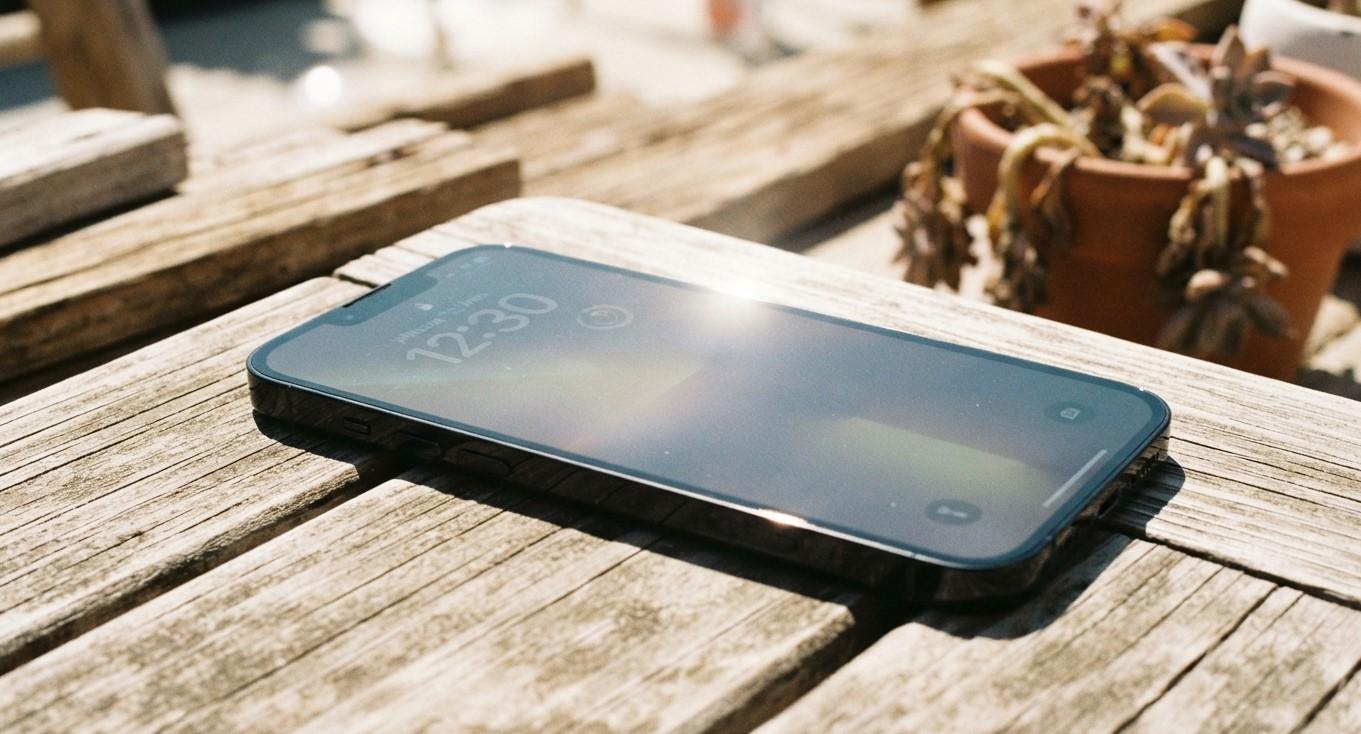
What Causes an iPhone Touchscreen to Stop Responding After Being Exposed to Heat?

Have you noticed that your iPhone touchscreen becomes slow, freezes, or stops responding after being exposed to high temperatures? Heat can affect smartphone performance and may interfere with the display and internal components. In some situations, the problem disappears after the device cools down, while persistent touchscreen issues may indicate damage.
Understanding the causes can help you protect your device and determine when professional assistance is necessary. iPC Repair Houston shares helpful information about smartphone problems and professional cell phone repair Houston services.
Table of Contents
-
Why Does Heat Affect an iPhone Touchscreen?
-
Common Causes of Touchscreen Problems After Heat Exposure
-
How to Fix an Unresponsive iPhone Touchscreen
-
When Should You Seek Professional Repair?
-
Frequently Asked Questions
-
Final Thoughts and CTA
1. Why Does Heat Affect an iPhone Touchscreen?
iPhones are designed to operate within specific temperature limits. When a device becomes too hot, its system may reduce performance or temporarily restrict certain functions to protect internal components.
High temperatures can also affect touchscreen responsiveness. You may notice delayed touches, random screen activity, freezing, or temporary display problems.
2. Common Causes of Touchscreen Problems After Heat Exposure
Several factors may explain why your iPhone touchscreen stops responding after overheating.
Temporary Thermal Protection
When an iPhone becomes too hot, it may limit performance to reduce heat generation. Some functions may temporarily behave differently until the device cools.
Display Component Damage
Prolonged exposure to excessive heat may damage delicate display components, potentially affecting touch sensitivity.
Battery Overheating
An overheating or deteriorating battery can contribute to excessive device temperatures and performance problems.
Internal Hardware Issues
Heat may worsen existing problems with internal components or connections, resulting in touchscreen malfunctions.
Software Instability
High temperatures can trigger performance restrictions and may coincide with temporary software issues that affect normal operation.
3. How to Fix an Unresponsive iPhone Touchscreen
Try these steps if your iPhone becomes unresponsive after heat exposure.
Let Your iPhone Cool Down
Move your device away from direct sunlight and hot environments. Allow it to cool naturally before using it again.
Remove the Phone Case
If your case traps heat, remove it temporarily to help the device cool.
Avoid Using Demanding Apps
Stop gaming, video recording, or other demanding activities until the phone returns to a normal operating temperature.
Restart Your iPhone
Once the device has cooled, restart it to resolve possible temporary software glitches.
Check for Software Updates
Install available iOS updates after your phone has returned to a normal temperature.
Important: Never place your iPhone in a refrigerator or freezer to cool it quickly. Sudden temperature changes can cause additional problems.
4. When Should You Seek Professional Repair?
If the touchscreen remains unresponsive after the iPhone cools down and basic troubleshooting does not help, the device may have a display or internal hardware problem.
Professional technicians can inspect the screen, battery, and relevant internal components to identify the cause and recommend an appropriate repair.
For persistent smartphone issues, iPC Repair Houston is an option to consider when looking for professional repair assistance.
5. Frequently Asked Questions
Can heat permanently damage an iPhone touchscreen?
Yes. Excessive heat may damage display or internal components, although temporary problems can also occur.
Why does my iPhone touchscreen work again after cooling down?
The device may have temporarily restricted performance because of its high temperature.
Should I charge my iPhone when it is overheating?
Avoid charging it until it has cooled to a normal operating temperature.
Can a phone case cause overheating?
Some cases may trap heat, especially during demanding activities or in hot environments.
When should I replace my iPhone screen?
Screen replacement may be necessary if professional diagnosis confirms display damage.
6. Final Thoughts: Get Help With Your iPhone
Heat exposure can affect iPhone performance and touchscreen responsiveness. Allowing your device to cool naturally, avoiding demanding applications, and keeping it away from direct sunlight can help prevent further problems.
If your touchscreen continues malfunctioning, visit iPC Repair to explore professional repair assistance.
Contact iPC Repair Houston to learn more about smartphone troubleshooting and repair services.