Benzphetamine Market Growth Through 2034: Evolving Demand and Healthcare Trends
Other |
2026-08-17 11:36:43
 Russian
 English
 Romaian
 Portuguese (Brazil)
 Greek
Greek
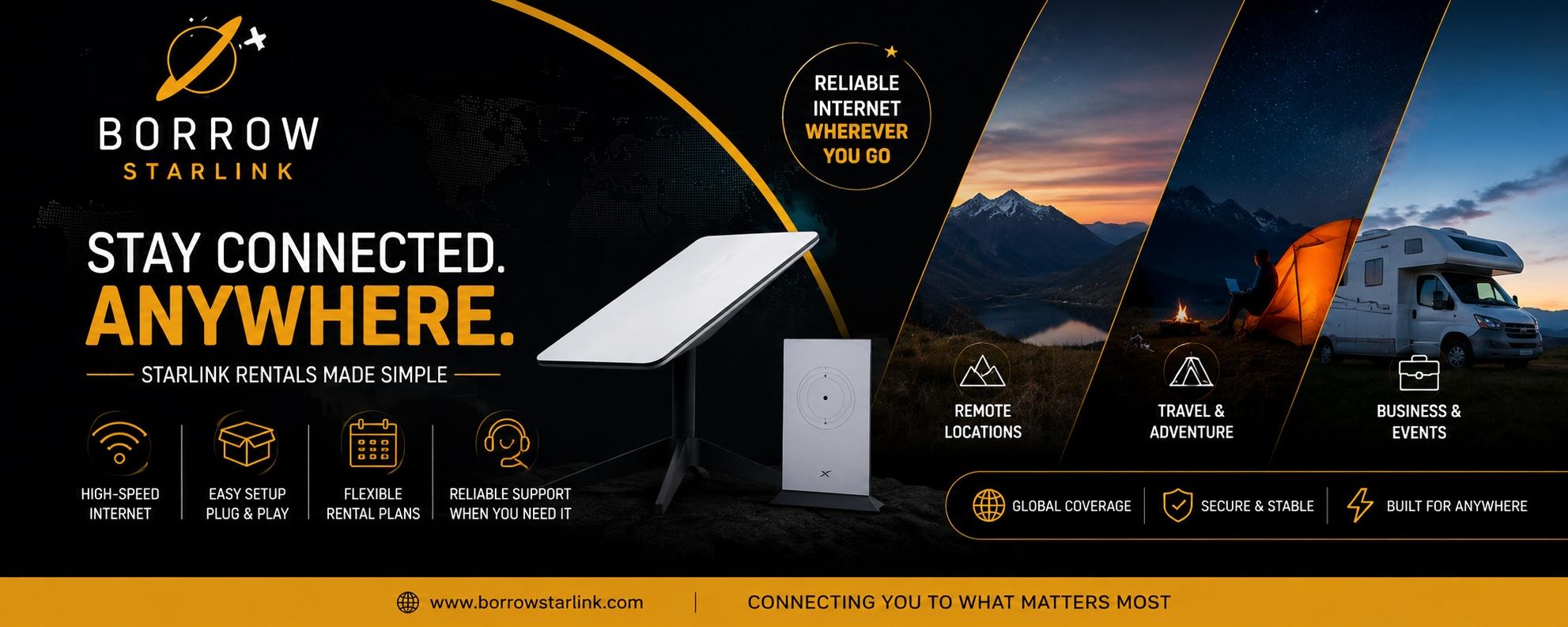
utdoor events look effortless from the guest's side. Behind the scenes, someone is usually worrying about whether the card reader will work, whether the playlist will stream and whether the photographer can upload anything. If your venue is a field, a farm, a beach or a park, regular internet probably isn't there. That's when many organizers decide to rent a Starlink. It can solve the problem well, but only if you plan the details before the day. This guide covers what to think about, step by step.
Why outdoor venues have internet problems
Open venues are usually far from cable and fiber lines, and cell towers often can't handle a crowd. Even where phones have a signal, a hundred guests posting photos at once can slow everything down. For guests this is a small annoyance. For the organizer it can mean failed payments, a broken livestream or a slow check-in line.
What a Starlink kit does for an event
Starlink gets its signal from satellites in low orbit. A dish outdoors talks to the satellites, and a router turns that connection into Wi-Fi for your devices. Because the satellites are fairly close to Earth, the delay is low enough for video calls, streaming and card payments.
With a rental, you borrow the equipment for the days you need it. Borrow Starlink, for example, includes the dish, a Wi-Fi router, a custom hard case and unlimited data with every rental, and it handles the account and equipment setup for you.
What to use it for, and what to keep separate
A single connection is shared by everyone who joins it, so decide who needs it most.
Good uses:
Be careful about opening the Wi-Fi to all guests. A large crowd streaming video can use up the connection and hurt the things you actually depend on. A common approach is to keep a private network for staff and payments, and to share a guest network only if you're sure it can handle it.
Step 1: Choose where the dish will sit
Starlink needs a wide, open view of the sky. Tents, trees, buildings and stages can all block it. Before the event, walk the site, stand where you might place the dish and look straight up. Pick a spot that has open sky, is close to power and is out of the way of foot traffic, so nobody trips over cables or knocks it over.
Step 2: Plan your power
The dish uses about 60 watts, which is small. A standard 110v outlet works, and so do a generator, an RV system or a small 100W solar panel. At an open venue, the nearest outlet may be far away, so bring a long, outdoor-rated extension cord and a power strip. If you're using a generator, make sure it will run for the whole event without being refueled mid-ceremony.
Step 3: Book early and allow setup time
Weekends in busy seasons fill up quickly. Reserve your kit as soon as your date is fixed, and ask about delivery or pickup so it arrives at least a day before. Don't assume a provider can deliver where you need it. Ask directly and confirm before you build your plan around it.
Step 4: Test everything before the day
Plug the kit in as soon as it arrives, ideally at the venue itself or somewhere similar. Wait a few minutes while the dish finds its position, then connect the devices you'll actually use. Run a payment test, a short livestream test and an upload test. Install the Starlink app too, because it helps you spot obstructions and fix problems, and it is hard to install once you're offline.
Step 5: Have a backup
Even a good connection can drop at the worst moment. Keep a plan B:
None of this means the rental is unreliable. It means any single connection is a single point of failure.
Questions to ask before you book
Terms vary between providers, so ask:
That last question matters. An event can't wait until Monday for an answer.
What to expect from the connection
Starlink handles calls, payments, uploads and streaming in places where other options fail. It isn't flawless. Heavy rain or snow can slow it, a blocked view causes interruptions and speeds vary by location and time of day. Treat advertised numbers as best-case figures. It's also outdoor equipment, so protect it from rain, don't leave it in a hot car and keep it somewhere guests can't bump it.
A simple event checklist
Is renting right for your event?
For a one-off wedding, market, fundraiser or shoot, renting is usually smarter than buying. You skip the hardware cost and the monthly plan, and you pay only for the days you need. If you run events every week in the same kind of venue, buying may cost less over time.
Final thoughts
To rent a Starlink for an outdoor event, you don't need technical skills. You need a clear spot, steady power, an early booking, a test run and a simple backup. Do those five things and the internet becomes one less worry on the day.
If you'd like to see what a straightforward rental looks like, Borrow Starlink offers short and long term rentals with the dish, router, hard case and unlimited data included. Contact them, ask about availability for your dates and confirm that your venue is covered before you book.