

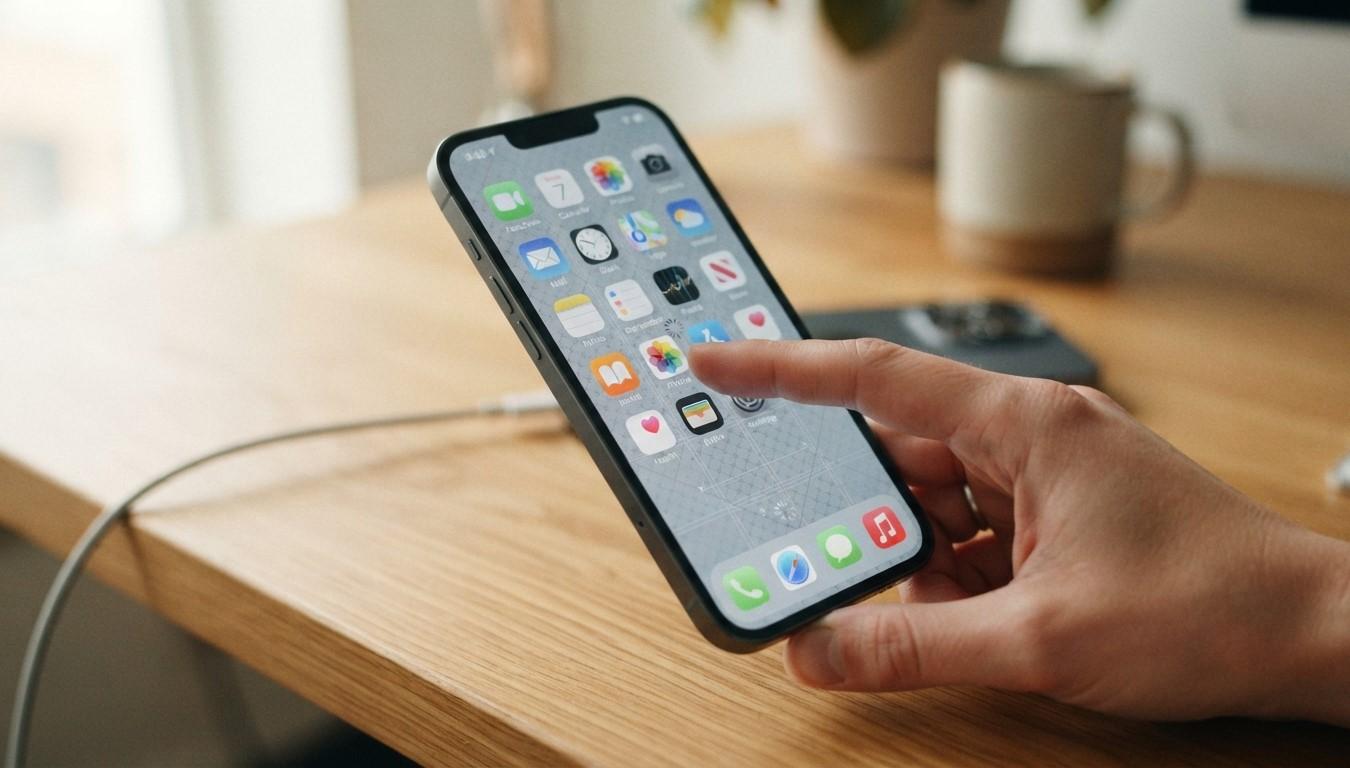
How to Fix an iPhone Touchscreen That Becomes Unresponsive: Causes and Troubleshooting Tips

An unresponsive iPhone touchscreen can make everyday tasks difficult, from sending messages to opening applications. Whether your screen freezes occasionally or stops responding completely, the problem may be caused by software glitches, physical damage, overheating, or internal hardware issues. Precision Fix helps smartphone users find reliable repair solutions, including iPhone screen repair Albany, to keep their devices working smoothly.
In this guide, we will explore common touchscreen problems and practical troubleshooting tips to help restore your iPhone's functionality.
Table of Contents
-
Common Reasons an iPhone Touchscreen Stops Working
-
How to Fix an Unresponsive iPhone Touchscreen
-
When to Seek Professional iPhone Repair
-
Frequently Asked Questions
-
Final Thoughts and Call to Action
1. Common Reasons an iPhone Touchscreen Stops Working
Understanding the cause of an unresponsive screen can help you choose the right solution.
Physical Screen Damage
Cracks, scratches, or damage from accidental drops can affect touchscreen sensitivity and prevent certain areas from responding.
Software Glitches
Temporary iOS errors, outdated software, or problematic applications can cause the touchscreen to freeze or behave unexpectedly.
Dirty or Wet Screen
Dust, grease, moisture, and fingerprints can interfere with touchscreen responsiveness.
Overheating Problems
Excessive heat can affect device performance and cause temporary touchscreen issues.
Internal Hardware Damage
Damage to internal display connections or touchscreen components may prevent your iPhone from registering touches correctly.
2. How to Fix an Unresponsive iPhone Touchscreen
Try these troubleshooting methods before considering professional repair.
Clean Your iPhone Screen
Use a soft, lint-free microfiber cloth to remove fingerprints, dust, and moisture. Make sure your hands and screen are dry before using the device.
Remove the Screen Protector
A damaged, poorly installed, or incompatible screen protector may interfere with touch sensitivity. Remove it carefully and test the screen again.
Force Restart Your iPhone
A force restart can resolve temporary software freezes.
-
iPhone 8 and newer: Quickly press Volume Up, quickly press Volume Down, then hold the Side button until the Apple logo appears.
-
iPhone 7 series: Hold the Volume Down and Side buttons together until the Apple logo appears.
-
iPhone 6s and earlier: Hold the Home and Power buttons together until the Apple logo appears.
Update iOS
If your touchscreen responds intermittently, navigate to Settings > General > Software Update and install any available updates.
Free Up Storage Space
Insufficient storage can affect device performance. Remove unnecessary applications, large files, and unused media to improve overall responsiveness.
Allow Your iPhone to Cool Down
If your device becomes unusually hot, stop using it and let it cool naturally in a shaded, ventilated area before testing the touchscreen again.
3. When to Seek Professional iPhone Repair
If your touchscreen remains unresponsive after troubleshooting, the issue may involve damaged display components or internal hardware.
Avoid pressing hard on the screen or attempting to open the device yourself. Professional diagnosis can help identify the actual problem.
For cracked displays, touch sensitivity issues, or other screen-related concerns, professional iPhone screen repair Albany services can help restore your device's usability.
4. Frequently Asked Questions
Why does my iPhone touchscreen stop responding randomly?
Temporary software glitches, overheating, physical damage, or faulty display components may cause intermittent touchscreen problems.
Can a screen protector cause touchscreen issues?
Yes. Thick, damaged, or incorrectly installed screen protectors can sometimes interfere with touch responsiveness.
Will restarting my iPhone fix an unresponsive screen?
A force restart can resolve temporary software-related freezes, but it will not repair physical screen damage.
Can water damage affect touchscreen functionality?
Yes. Moisture entering the device can damage internal components and interfere with touchscreen operation.
Do I need a new screen if my iPhone stops responding?
Not always. The problem could be software-related or caused by another component. Professional diagnosis is recommended before replacing the screen.
5. Final Thoughts and Call to Action
An unresponsive iPhone touchscreen can result from physical damage, software glitches, overheating, or internal hardware problems. Cleaning the screen, restarting your device, and updating iOS may resolve minor issues. However, persistent problems should receive professional attention.
For dependable smartphone troubleshooting and repair assistance, visit Precision Fix. Whether you are dealing with touchscreen problems, display damage, or need iPhone screen repair Albany, Precision Fix can help you find the right solution to get your smartphone working properly again.