

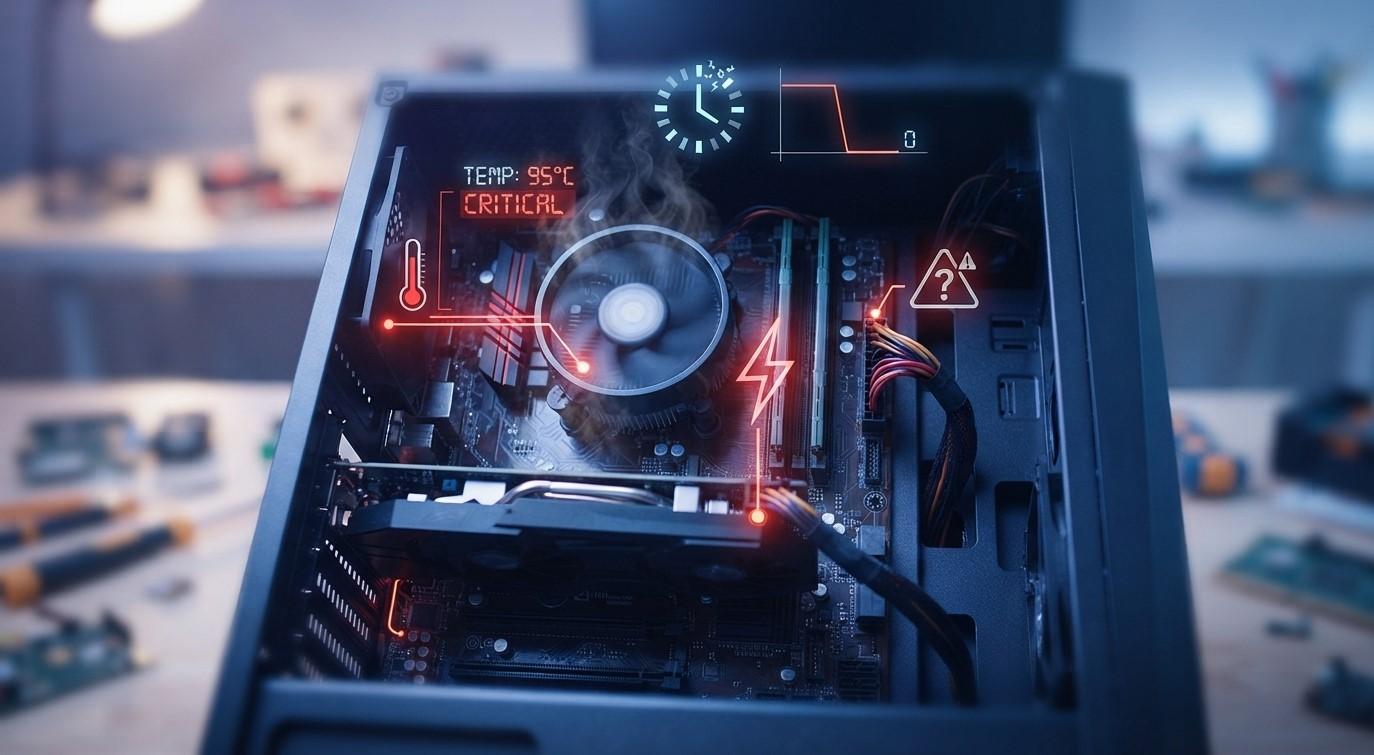
What Causes a Computer to Restart Automatically Without Warning? Common Reasons and Fixes

Does your computer restart automatically without warning while you are working, browsing the internet, or playing games? Unexpected restarts can interrupt important tasks, cause unsaved work to disappear, and indicate an underlying system problem. The issue may be related to overheating, faulty hardware, corrupted drivers, or Windows system errors. If troubleshooting becomes difficult, professional computer repair Albany services can help identify the cause and restore system stability.
Table of Contents
-
Common Reasons a Computer Restarts Automatically
-
How to Fix Unexpected Computer Restarts
-
When to Seek Professional Repair
-
Frequently Asked Questions
1. Common Reasons a Computer Restarts Automatically
Understanding the possible causes can make troubleshooting easier.
Overheating Components
When a computer's processor or graphics card becomes too hot, the system may shut down or restart to protect internal components. Dust buildup, blocked ventilation, and malfunctioning cooling fans can contribute to overheating.
Faulty RAM
Damaged or improperly installed RAM can cause system instability, unexpected crashes, and automatic restarts. Memory-related problems may become more noticeable when running demanding applications.
Power Supply Problems
A failing power supply unit (PSU) may not deliver consistent electricity to the computer's components. This can cause sudden restarts, especially during heavy workloads.
Outdated or Corrupted Drivers
Graphics, chipset, and other device drivers help hardware communicate with Windows. Incompatible or corrupted drivers can trigger system errors and unexpected restarts.
Windows Updates and System Errors
Certain update failures, corrupted system files, or software conflicts can make Windows unstable and cause repeated restarts.
2. How to Fix Unexpected Computer Restarts
Try these troubleshooting steps to identify the problem.
Check for Overheating
Make sure your computer has proper airflow. Clean accessible ventilation openings and check whether the cooling fans are operating normally. Avoid placing a laptop on soft surfaces that block its vents.
Update Device Drivers
Open Device Manager and check for driver updates. You can also download compatible drivers from your computer manufacturer's official website.
Install Windows Updates
Open Windows Update settings and check for pending updates. Installing available updates may resolve known compatibility and stability problems.
Test Your RAM
Use Windows Memory Diagnostic to check for memory problems. If errors appear, the RAM may require further inspection or replacement.
Check Power Connections
For desktop computers, make sure the power cable is securely connected and inspect it for visible damage. If you suspect a faulty power supply, have it tested by a qualified technician.
Check System Files
Open Command Prompt as an administrator and run:
sfc /scannow
This Windows utility scans for corrupted system files and attempts to repair them.
3. When to Seek Professional Repair
If your computer continues restarting after basic troubleshooting, the problem may involve faulty RAM, a damaged power supply, overheating hardware, or motherboard issues.
Professional technicians can inspect internal components, test hardware, diagnose software conflicts, and recommend suitable repairs. Choosing the best computer repair in Albany can help prevent unnecessary replacements and recurring system problems.
4. Frequently Asked Questions
Why does my computer restart without warning?
Common causes include overheating, faulty RAM, power supply problems, corrupted drivers, and Windows errors.
Can overheating cause automatic restarts?
Yes. Excessive heat can make a computer unstable and trigger protective shutdowns or restarts.
Can a faulty power supply restart my PC?
Yes. An unstable or failing power supply can interrupt power delivery and cause unexpected restarts.
Will updating Windows fix random restarts?
It may help if the issue is caused by software bugs or compatibility problems, but hardware faults require separate diagnosis.
Should I continue using a computer that keeps restarting?
Repeated unexpected restarts should not be ignored. Save important files and back up your data before further troubleshooting.
Get Professional Computer Repair Assistance
Unexpected computer restarts can result from simple software issues or serious hardware faults. Checking cooling, updating drivers, and testing memory can help identify common problems.
If your computer keeps restarting without warning, visit Computer Repair Albany for professional troubleshooting and repair assistance.