Russian
 English
 Romaian
 Portuguese (Brazil)
 Greek
Greek

North America Lighting Contactor Market Size, Share, Trends, and Growth Outlook
Other |
2026-08-24 13:08:10
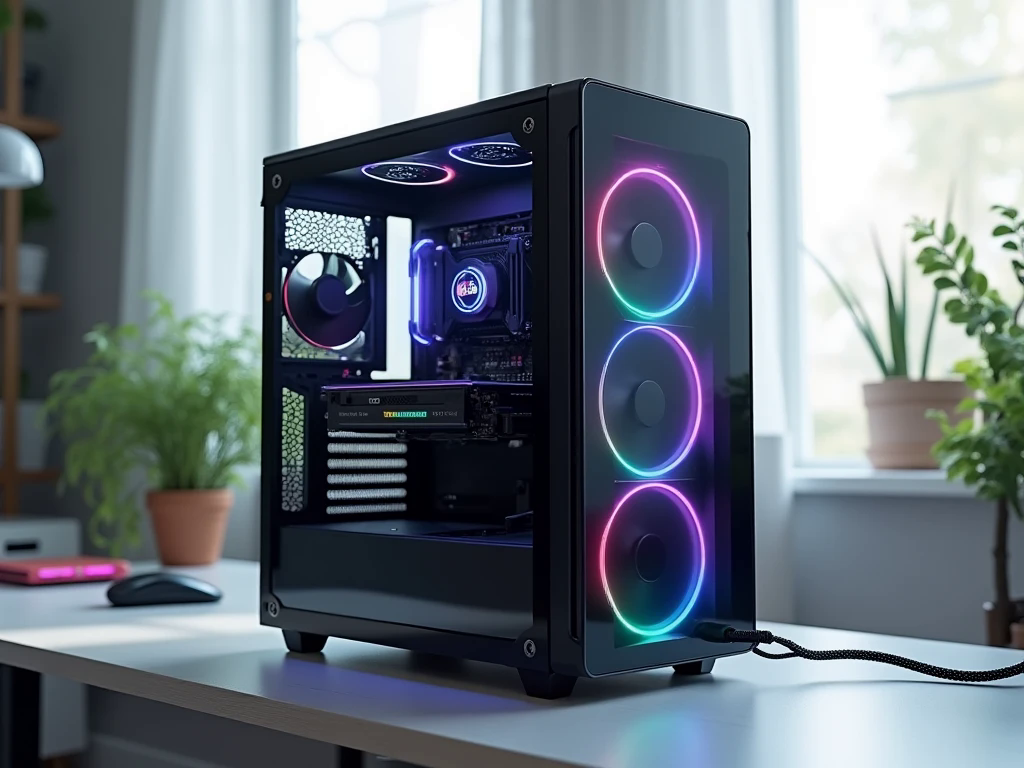
Your first gaming computer should make it easier to enjoy PC gaming, not leave you confused by technical specifications and unexpected expenses. For beginners, choosing the right system involves more than comparing processor names or selecting a computer with colourful lighting.
An Entry level gaming PC in UAE should provide suitable performance for your favourite games, reliable everyday operation, and enough flexibility to accommodate changing needs. The UAE market offers different configurations, so understanding what you are paying for can help you make a more informed decision. A computer designed for competitive gaming may require different hardware from one intended for story-driven adventures, simulation games, or occasional streaming. Your monitor, available space, and total budget also influence the best choice. By focusing on practical performance rather than unnecessary extras, you can build or buy a gaming computer that suits your lifestyle and delivers genuine value.
The first step is identifying the experience you want from your computer. Competitive games often benefit from high frame rates and responsive controls, while graphically demanding games need sufficient graphics processing power to display detailed environments smoothly.
Write down the games you expect to play most frequently. Then decide whether you want to game at 1080p or consider a higher resolution later. This gives you a clear target when comparing computers and helps prevent overspending on hardware that offers little benefit for your intended use.
It is also worth considering how you will use the PC outside gaming. Students may need reliable performance for online classes and research, while other users may want to edit videos, communicate with friends, or run several applications simultaneously. Your first computer should accommodate these activities without requiring an unnecessarily expensive configuration.
A gaming PC performs best when its components are balanced. Spending most of your budget on one powerful part can leave other areas underpowered, reducing the overall value of the system.
The graphics card, or GPU, processes the images and visual effects displayed during gameplay. For a desktop intended to run a variety of modern games, a dedicated GPU is often a sensible investment.
However, not every gamer needs the same graphics card. A beginner who mainly plays less demanding competitive titles may have different requirements from someone who wants detailed graphics in newer releases. Compare independent benchmarks for your favourite games and consider the graphics settings you expect to use.
Also check video memory, power requirements, and the card's physical dimensions. These details help you understand its capabilities and ensure it fits the computer you are considering.
The CPU manages game calculations, background applications, and general system operations. Mainstream AMD Ryzen 5 and Intel Core i5 processors can be suitable options for entry-level gaming systems, depending on the model and graphics card.
A higher-priced processor is not automatically the better choice. If your games depend primarily on graphics performance, a balanced CPU paired with a suitable GPU may provide better value than spending heavily on the processor alone.
For many entry-level systems, 16GB of RAM is a reasonable starting point. Users who multitask heavily, stream gameplay, or run demanding applications may benefit from 32GB. Check the motherboard's memory support and whether the computer can accommodate additional RAM later.
An SSD helps the operating system start quickly and reduces game loading times. A 1TB SSD is worth considering if you want space for multiple modern games, although the ideal capacity depends on your library and budget. Confirm whether another drive can be installed if you need more storage in the future.
The advertised price of a gaming computer may cover only the desktop tower. If you are buying your first setup, remember to budget for the monitor, keyboard, mouse, headset, and operating system where applicable.
A suitable monitor can be more valuable than decorative extras. For many beginners, a 1080p display provides a practical starting point. Competitive players may prefer a higher refresh rate, while gamers who prioritise visual detail should consider image quality alongside performance.
Create a list of everything you need before comparing prices. If you already own compatible accessories, you may be able to invest more in the computer. If not, divide your available budget carefully so that you can use the system comfortably from the beginning.
A low price is not particularly useful if a computer uses poor supporting components or has limited cooling. The power supply, case, motherboard, and cooling system all contribute to the reliability and usability of a gaming PC.
Choose a system with suitable case ventilation and enough space for its components. Dubai and other parts of the UAE can experience very hot outdoor weather, making sensible indoor placement and airflow important considerations. Avoid keeping the computer in a confined cabinet that restricts ventilation, and clean dust filters when necessary.
You do not automatically need expensive liquid cooling for an entry-level PC. A suitable air cooler and properly arranged case fans can be sufficient for many mainstream processors. The right choice depends on the hardware and the environment where the computer will operate.
A prebuilt gaming PC can be convenient for first-time buyers because the computer arrives assembled. Depending on the seller, it may also include testing, a warranty, and assistance with troubleshooting.
A custom-built gaming PC gives you greater control over component selection. You can prioritise gaming performance, choose a simpler case, and decide which upgrades matter most. However, compatibility and assembly need careful attention.
When comparing options, ask for the complete component list rather than accepting a description that mentions only the processor and graphics card. Check the exact power supply, motherboard, RAM configuration, storage capacity, and cooling system. Review the warranty, return policy, and after-sales arrangements before paying.
Hextech Computer Trading LLC is one option to consider when comparing gaming PC configurations. Evaluate its available specifications and service terms alongside other suitable options to find a system that matches your requirements.
Before choosing your computer, make sure you can answer these questions:
Does the graphics card suit the games and resolution I want?
Is the processor appropriate for the graphics card?
Does the system include sufficient RAM and SSD storage?
Are the motherboard and power supply clearly identified?
Is cooling adequate for the selected components?
Does the quoted price include everything I need?
Can I upgrade memory or storage later?
Are the warranty and support conditions clear?
These checks are especially useful when two systems have similar prices. One may provide better gaming performance, while the other may include features that are less important to you. Compare the complete configurations before making a decision.
A practical starting configuration generally includes a suitable processor, a dedicated graphics card for modern gaming, 16GB of RAM, SSD storage, reliable power delivery, and adequate cooling. The exact components depend on your budget and preferred games.
Many desktop gaming computers support upgrades to memory, storage, and graphics cards. However, compatibility depends on the motherboard, power supply, case dimensions, and other components. Check upgrade options before purchasing.
Yes. A well-configured gaming PC can also handle browsing, office software, online classes, video calls, and many creative applications. Choose sufficient memory and storage for your everyday workload.
Choosing a gaming computer becomes easier when you understand your priorities and evaluate the complete system rather than focusing on one specification. Identify your favourite games, set a realistic budget, and choose balanced components that provide the performance you need. Remember to include accessories, check cooling and power supply quality, and review warranty coverage before buying. A carefully selected Entry Level Gaming PC in UAE can provide an enjoyable introduction to PC gaming while supporting study, work, and future upgrades. The smartest purchase is the one that fits your actual needs and offers lasting value without unnecessary spending.