Russian
 English
 Romaian
 Portuguese (Brazil)
 Greek
Greek

Top 10 Cheese Powder Trends Transforming Convenient Food and Flavor Innovation
Networking |
2026-10-08 12:54:03
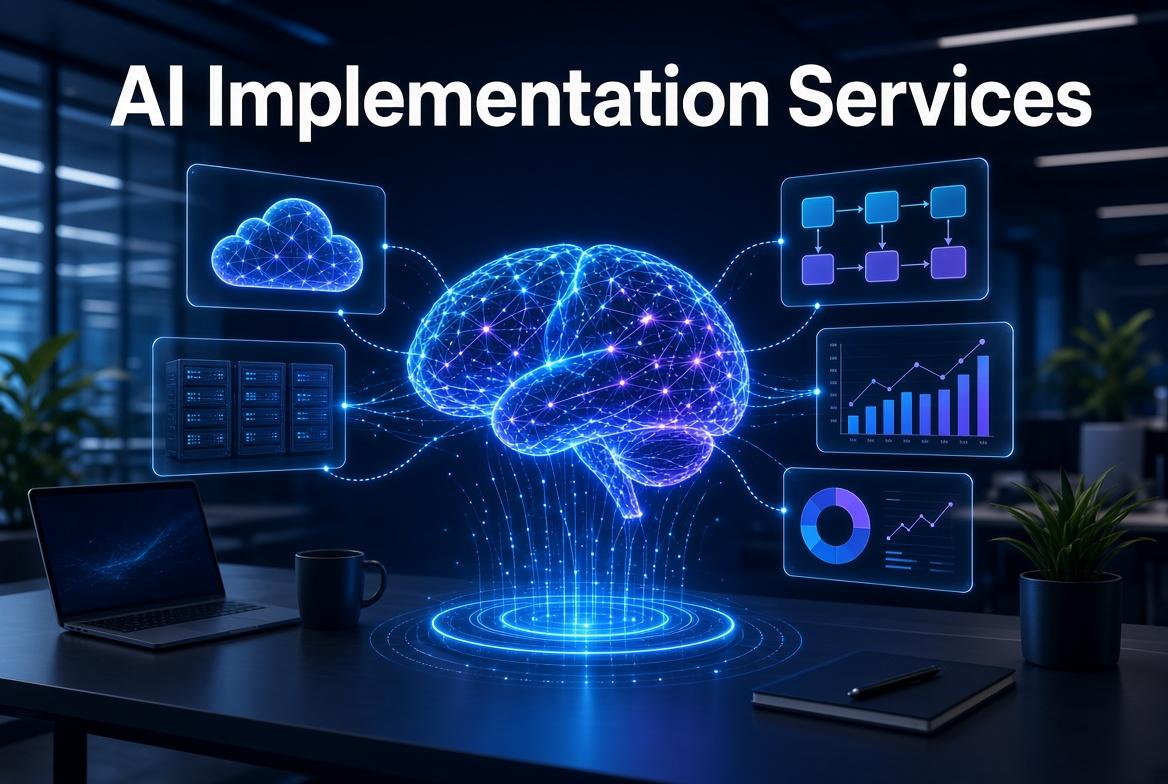
Businesses across industries are looking for practical ways to reduce manual workloads, improve customer experiences, and make everyday operations more efficient. AI automation offers an opportunity to achieve these goals by combining artificial intelligence with structured workflows and existing business applications.
However, successful AI automation requires careful planning. Simply adding an AI chatbot or connecting two applications does not guarantee meaningful business improvements. Companies need to understand their processes, select appropriate use cases, and establish safeguards before deploying automated systems.
This guide explains how to implement AI automation in a business, from identifying opportunities to measuring results.
AI automation combines artificial intelligence with automated processes to perform tasks that would otherwise require substantial manual effort.
Traditional automation follows predefined rules. For example, a workflow might send an email whenever a customer submits a form.
AI automation can introduce additional capabilities, such as interpreting an inquiry, summarizing a document, categorizing customer requests, extracting information, or selecting an appropriate next step within defined boundaries.
A business might use a traditional workflow to send a confirmation email and an AI component to classify the inquiry before routing it to the correct department.
The two approaches can work together. In many cases, combining predictable rules with AI interpretation creates a more reliable solution than allowing an AI system to make every decision independently.
Before selecting software, examine how work currently moves through the organization.
Look for processes that involve repetitive tasks, large volumes of information, frequent handoffs, or delays caused by manual coordination.
Potential candidates include:
Lead capture and qualification.
Customer inquiry classification.
Document extraction and data entry.
Internal knowledge retrieval.
Meeting summaries and task assignment.
Report preparation and data consolidation.
Appointment reminders and follow-up coordination.
Prioritize processes with clear inputs, defined outputs, and an identifiable business benefit.
For example, a company that receives inquiries through several channels may spend considerable time reviewing messages and forwarding them to sales representatives. An automated lead intake workflow could standardize this process while allowing employees to handle complex inquiries personally.
Every automation project should begin with a specific objective.
Instead of saying, "We want to use AI in sales," define the intended improvement more precisely.
Examples include reducing the time required to categorize incoming leads, shortening internal document search time, or decreasing the number of manual steps required to process an invoice.
Record the current performance before introducing automation. Without a baseline, it becomes difficult to distinguish actual improvements from assumptions.
Choose a small set of measurable indicators, such as processing time, error frequency, cost per completed task, customer response time, and employee adoption.
Different business challenges require different solutions. Selecting the simplest technology that meets the requirements can help control cost and complexity.
Rule-based automation is useful when tasks follow predictable conditions. It can move data between applications, trigger notifications, assign tasks, and enforce standard business rules.
Generative AI is useful for tasks involving natural language, such as summarizing documents, drafting responses, extracting meaning from messages, and classifying unstructured information.
Outputs should be evaluated against representative examples before they are used in important workflows.
AI agents can interpret a request, select from approved tools, and carry out a sequence of actions toward a defined objective.
For example, a lead management agent might review an inquiry, extract relevant details, check predefined qualification criteria, and prepare a CRM update for approval.
Actions should be restricted through explicit permissions, validation rules, and human approval for consequential decisions.
Knowledge assistants retrieve information from approved internal resources, helping employees locate procedures, policies, product information, or operational documentation.
Where accuracy matters, the system should provide references to the source material and indicate when it cannot find a reliable answer.
A clear workflow design reduces confusion during implementation.
Consider an AI-assisted customer inquiry process:
Customer submits inquiry → System validates required information → AI categorizes the request → Business rules determine routing → CRM records the details → Appropriate team member follows up.
Each stage should have a defined purpose and a clear owner.
Determine what happens when information is missing, the AI classification is uncertain, an application is unavailable, or a customer request falls outside the approved process.
These exceptions are important because real-world workflows rarely operate under perfect conditions.
AI automation is most valuable when it fits into the systems a business already uses.
Depending on the workflow, integrations may involve CRM platforms, email systems, calendars, customer service software, document repositories, accounting applications, or internal databases.
Before connecting systems, review available APIs, authentication requirements, permissions, data formats, and operational dependencies.
Use the minimum access necessary for the workflow. Sensitive information should only be available to authorized users and approved components.
Businesses should also maintain appropriate logs so that important actions can be traced and investigated when something goes wrong.
An automation that works with a few demonstration examples may still fail under normal operating conditions.
Testing should include realistic examples, unusual requests, missing information, duplicate records, incorrect inputs, and integration failures.
For AI-powered steps, evaluate whether the system categorizes requests correctly, extracts information accurately, follows instructions, and recognizes when human intervention is required.
Test security controls as well. Confirm that users cannot access information or perform actions outside their permissions.
A limited pilot can help the business discover problems before introducing the workflow across the organization.
Technology alone does not guarantee successful automation. Employees need to understand how the system works, what it can and cannot do, and how to handle exceptions.
Training should explain the new workflow, approval requirements, escalation procedures, and reporting process.
Collect feedback from the people who use the system daily. They may identify unnecessary steps, confusing outputs, or operational problems that were not obvious during development.
The objective is to improve the way work gets done, not simply to introduce another application employees must manage.
After deployment, compare actual performance against the original baseline.
For example, measure how long the workflow takes, how often the AI requires correction, whether employees use the system consistently, and whether the automation reduces the targeted workload.
Review failures and unexpected outputs regularly. Update prompts, business rules, knowledge sources, integrations, or validation procedures when evidence indicates that improvements are needed.
Changes to models or connected applications should also be tested because they may affect existing behavior.
A successful AI automation project is an ongoing operational capability rather than a one-time software installation.
Incomplete, outdated, or inconsistent information can reduce the quality of AI outputs. Review source data and establish processes for correcting important errors.
Every workflow needs an accountable owner who can review performance, approve changes, and resolve operational issues.
Some tasks require judgment, empathy, or authorization. Keep human review where errors could create significant financial, legal, safety, or customer consequences.
Limit access to sensitive information, protect credentials, and define which actions automated systems are permitted to perform.
Without clear metrics, businesses may continue investing in automation that produces little practical value. Measure outcomes and adjust the project accordingly.
Businesses may have the internal expertise to experiment with AI but still need support turning a prototype into a dependable operational workflow.
AI implementation services can help assess business requirements, map processes, select suitable technologies, develop AI agents, connect applications, test workflows, and establish monitoring procedures.
An implementation partner should tailor the solution to the organization's existing systems, available resources, and measurable objectives.
The Future Dynamics' AI implementation services can be a starting point for businesses evaluating AI agents, workflow automation, system integration, and practical AI deployment.
Implementing AI automation requires more than choosing a tool. Businesses need a clear problem to solve, measurable objectives, suitable technology, reliable integrations, and appropriate safeguards.
The most practical approach is to start with a manageable workflow, test it using realistic scenarios, train the people who will use it, and monitor its performance after launch.
By focusing on business outcomes rather than automation for its own sake, organizations can build AI-powered workflows that reduce unnecessary manual work and support more consistent operations.